
Image: Source
Bittensor is an open-source, decentralized platform considered a frontrunner in the intersection between AI and blockchain technologies. It aims to revolutionize the development and sharing of machine learning models by leveraging blockchain technology, offering a transparent and open market for AI and digital commodities like compute and storage.
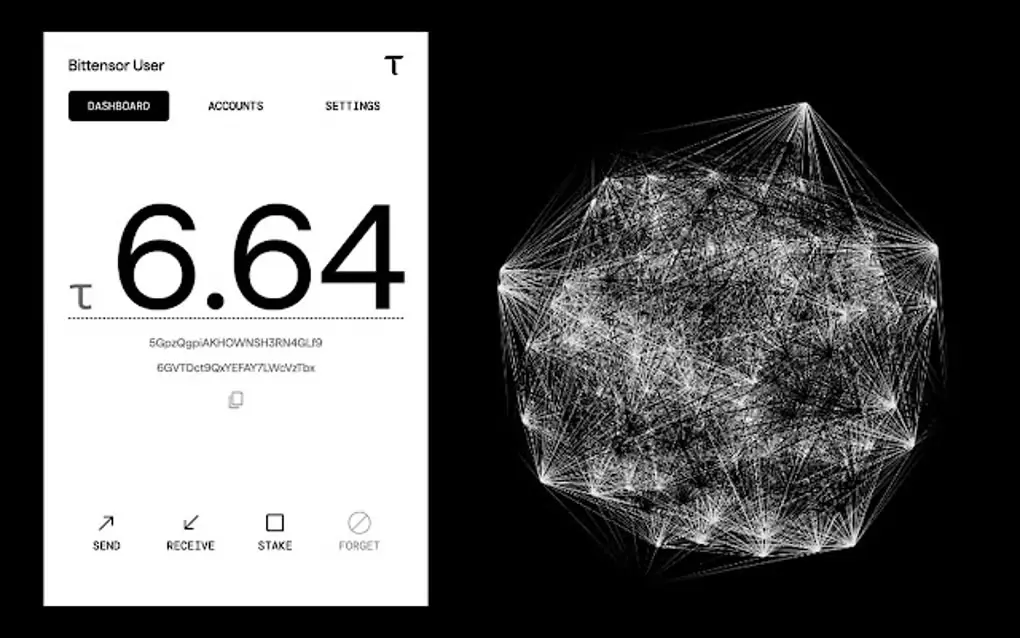
At the heart of this innovative ecosystem lies the TAO token, which fuels transactions and incentivizes participation. To engage with Bittensor, understanding its wallet system is crucial. This blog post delves into the intricacies of the TAO wallet, offering a comprehensive guide for crypto traders looking to navigate this exciting space.
What is a Bittensor Wallet(TAO)?
Bittensor is an open source platform where participants produce best-in-class digital commodities, including compute power, storage space, AI inference and training, protein folding, financial markets prediction, and many more.
Bittensor is composed of distinct subnets. Each subnet is an independent community of miners (who produce the commodity), and validators (who evaluate the miners' work).
The Bittensor network constantly emits liquidity, in the form of its token, TAO (τ), to participants in proportion to the value of their contributions. Participants include:
Miners—Work to produce digital commodities.
Validators—Evaluate the quality of miners' work.
Subnet Creators—Manage the incentive mechanisms that specify the work miners and validate must perform and evaluate, respectively.
Stakers—TAO holders can support specific validators by staking TAO to them.
Key Features of a TAO Wallet
Non-Custodial: Bittensor wallets are non-custodial, meaning you have complete control over your private keys and, therefore, your TAO tokens.
TAO Transactions: Send and receive TAO tokens.
Web3 Identity Provider: Use your Bittensor Wallet as an identity provider for web3 apps.
Understanding the Bittensor Ecosystem
Bittensor's vision is to create a market for artificial intelligence that is fair, transparent, and accessible to everyone, similar to how Bitcoin opened up a new paradigm for money. The Bittensor network resembles a global digital computer, allowing developers to build permissionless applications that would otherwise be impossible due to capital, access, or other constraints.
This global computer comprises multiple parts that work in tandem to deliver users the desired outcomes via applications, whether it's 3D render work, storage, AI inference, or any other task.
Here are key components of the Bittensor ecosystem:
Subnets: A core characteristic of Bittensor is its incentive-based competition mechanism, which takes the form of subnets. Each subnet hosts its own rules and parameters within a self-contained codebase, along with distinct miners and validators, enabling a broad design space for developers. As of July 2024, the network has an average of 4 new subnets added weekly.
Subtensor: The subtensor is the heart of the network. It is a decentralized blockchain that records the critical activity of all the subnets and determines the reward distribution for subnet miners and validators.
Bittensor API: The Bittensor API is the glue connecting all the essential elements, providing much-needed communication between the subnets, nodes, wallets, and the blockchain.
TAO Token and How to Buy It

Image: Source
TAO functions as the primary financial tool for network participants, facilitating governance, staking, and payment for AI services and applications within the network.
TAO's tokenomics design mimics Bitcoin's, with a total supply of 21 million coins gradually released through mining and staking rewards. Bittensor also employs a halving principle where TAO emissions are reduced by 50% roughly every four years.
TAO can be purchased through both centralized and decentralized exchanges:
Centralized Exchanges (CEX): Binance, Kucoin, Bitget, Kraken, Gate.io, MEXC, and Crypto.com.
Decentralized Exchanges (DEX): wTAO is available on Uniswap. You can swap your ETH for wTAO.
Types of Bittensor Wallets
A Bittensor wallet manages the cryptographic key-pairs needed to prove identity, sign transactions, and access TAO. A wallet consists of a coldkey and a hotkey, used for different operations.
Coldkey
This type of wallet controls funds, transfers TAO, delegates stake, and creates subnets
It's primarily for secure TAO storage and high-risk transactions and is always encrypted
It's like a secure key to a safe and an existential deposit of 500 RAO is required, otherwise the account will be deactivated and the remaining TAO will be destroyed
Hotkey
Paired with a coldkey (with a coldkey having multiple hotkeys), used for regular operational tasks like signing transactions and running miners/validators
It's less secure than a coldkey and can be encrypted
You cannot use the same hotkey for two UIDs in a given subnet
Setting Up a TAO Wallet
Creating a Bittensor wallet is a straightforward process. Here's a step-by-step guide using the web wallet as an example:
Go to the Bittensor Wallet
Initiate a wallet creation by clicking on “create” to get started.
Once you have created your wallet — generate your Mnemonic.
Carefully write down the seed phrase provided
Confirm your seed phrase by re-entering it for verification
Now create a strong password for accessing your wallet
Securing Your TAO Bittensor Wallet

Security is paramount when dealing with cryptocurrencies. Here are some essential tips to secure your Bittensor technology wallet:
Protect Your Seed Phrase: Your seed phrase is the key to your wallet. Store it offline in a secure location. Never share it with anyone.
Use a Strong Password: Create a strong, unique password for your wallet and avoid using the same password for multiple accounts.
Enable Two-Factor Authentication (2FA): If available, enable 2FA for an extra layer of crypto security.
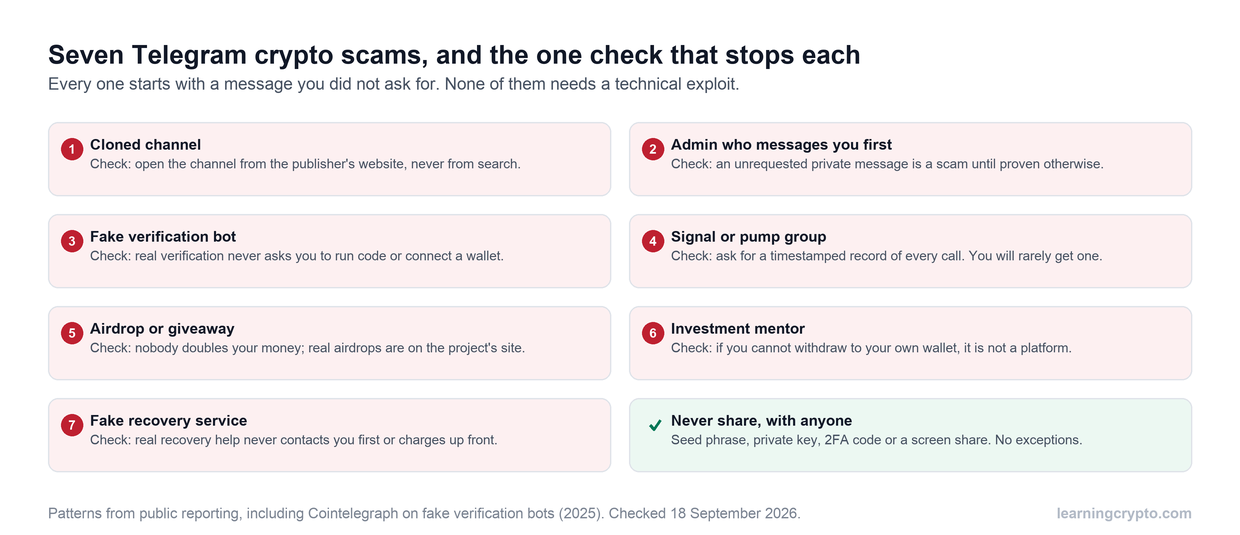
Be Wary of Phishing: Be cautious of unsolicited messages or emails asking for your wallet information. Always verify the source and never click on suspicious links.
Consider a Hardware Wallet: For maximum security, consider using a hardware wallet to store your TAO offline.
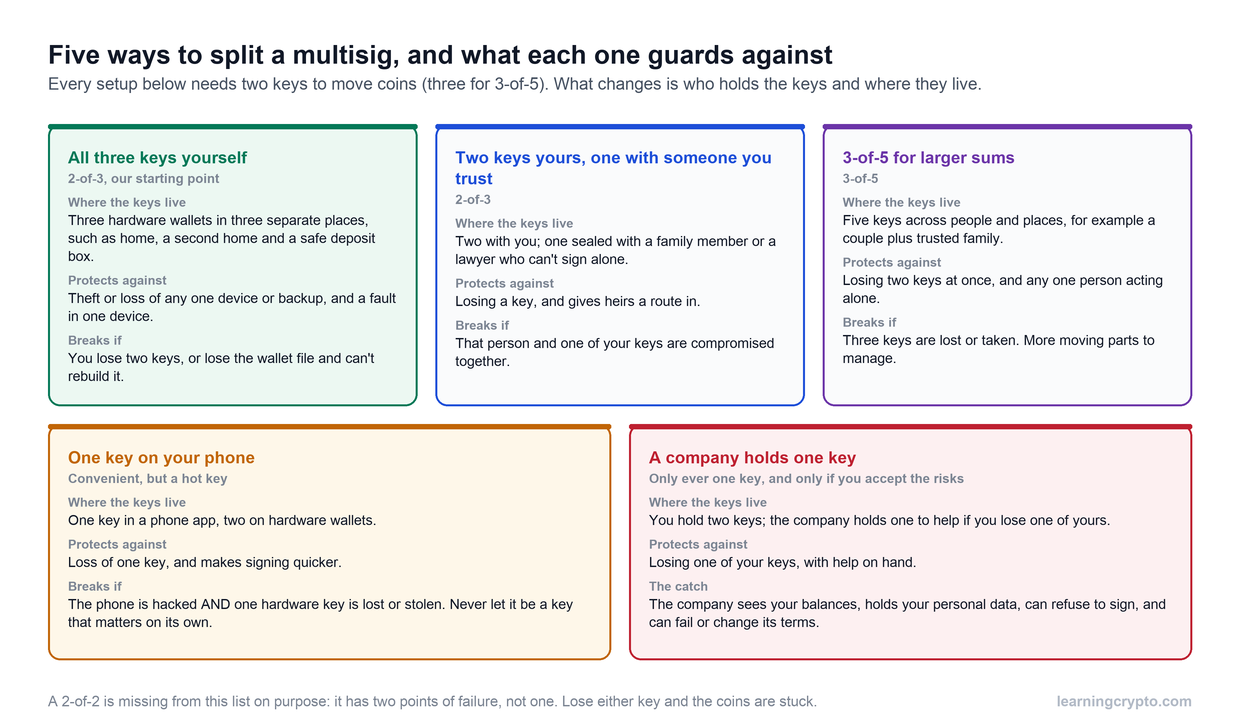
Multi-Sig Account: Enhance wallet security by replacing it with a multi-sig account, requiring multiple cold-wallets to act as signatories for a single on-chain address.
Bittensor Tools: SDK and CLI
Bittensor provides tools to help developers, miners, and validators interact with the network.
Bittensor SDK: A Python-based library that allows developers to interact programmatically with the Bittensor network.
Bittensor CLI: The Bittensor command-line interface (`btcli`) provides a straightforward way to create, manage, and encrypt wallet keys, transfer and stake TAO, perform subnet management operations, and view wallet information and network status.
Bittensor Wallet Extension
The Bittensor Wallet Extension is a tool that lets you securely store, send, and receive cryptocurrencies directly from your browser. It’s a great option for those new to crypto because it simplifies the process of interacting with decentralized applications (dApps).
By adding the extension to your browser, you can easily access your wallet without having to log in every time, making transactions faster and more convenient. Whether you're just starting or looking for an easy way to manage your crypto, the Bittensor Wallet Extension is a simple and secure choice
Proof of Intelligence Consensus Mechanism
Bittensor utilizes a unique "Proof of Intelligence" consensus mechanism. This system rewards contributors based on the measurable value of their machine-learning outputs, incentivizing high-quality contributions. Machines within Bittensor engage in dialogue, exchanging insights and learning from one another[4]. This approach mirrors Ethereum's strategy, which empowers developers to design decentralized applications on its platform.
Join Our Free Newsletter
Crypto Updates To Your Inbox
Subscribe
Email sent! Check your inbox to complete your signup.
No spam. Unsubscribe anytime.
Conclusion
To get started with decentralized AI on Bittensor, the first step is securing your TAO. A robust Bittensor wallet serves as your gateway, allowing you to participate as miners and validators across subnets to produce commodities. By taking security seriously—protecting your seed phrase and using hardware wallets—you can confidently explore the full potential of the Bittensor network.
To get started, knowing the basics of cryptocurrency and blockchain is essential. Since Bittensor and TAO are built on these principles, understanding wallets, transactions, and security will not only help you manage your TAO but also prepare you for deeper engagement in the ecosystem. Joining a trusted crypto learning community is key to navigating Bittensor and TAO and understanding your role, whether as a miner, validator, subnet creator, or TAO staker.
Ready to dive in? Set up your Bittensor wallet, familiarize yourself with the tools (like the SDK and CLI), and explore the unique opportunities across subnets. The future of decentralized AI is here, and Bittensor is leading the way. Are you ready to be part of the movement?
Does Bittensor (TAO) work with a hardware wallet?
Yes, through Ledger; not through Trezor. As of 2026, Ledger publishes a Bittensor app for its devices. You install it through Ledger Live, then manage TAO with a compatible third-party wallet that supports Ledger signing, rather than inside Ledger Live itself. Your coldkey stays on the Ledger and every transfer or stake has to be approved on the device, which is exactly the protection this guide recommends for long-term storage.
Trezor is a different story. TAO is not supported in Trezor Suite as of 2026, and there is no native Bittensor integration for Trezor devices. If you already own a Trezor, do not assume it will secure your TAO; check the official supported coins list at trezor.io/coins before moving funds.
How this fits Bittensor's coldkey and hotkey model
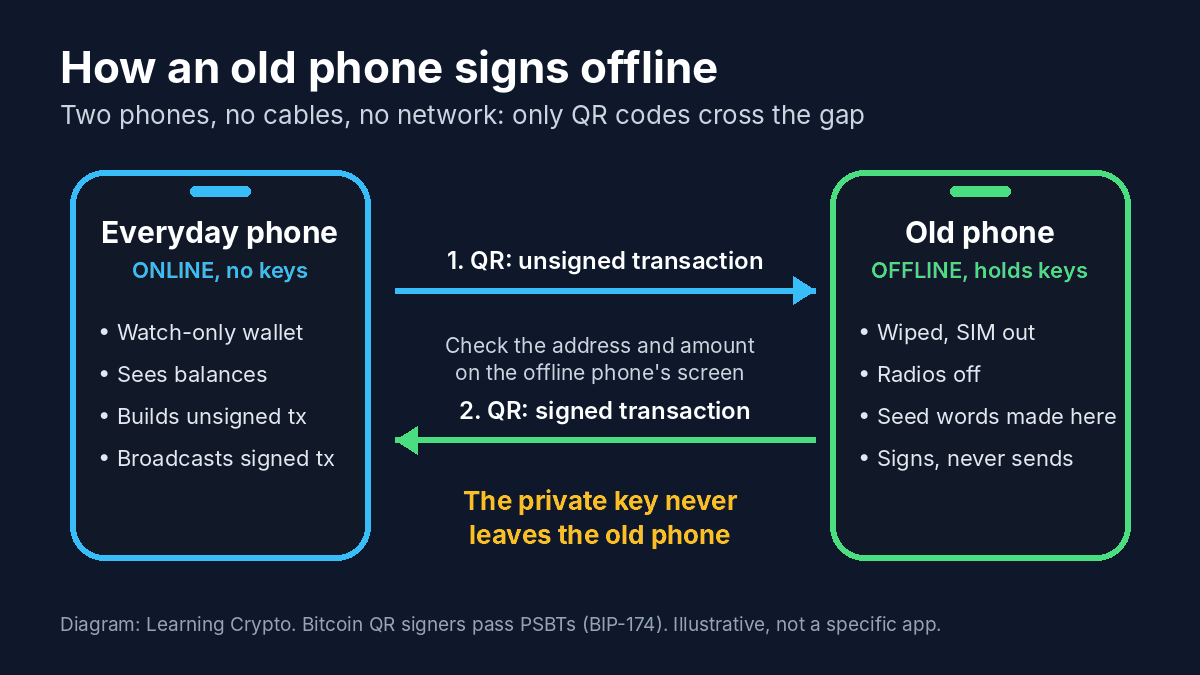
A hardware wallet is the natural home for your coldkey, the key that controls funds, transfers and delegation. Keep the hotkey, which handles routine operations such as running a miner or validator, on the machine that needs it. That way the key that can move your TAO never touches an online computer, while the network still gets the signatures it needs.
Before you rely on any of this
- Wallet and app support changes often in the Bittensor ecosystem, so confirm current compatibility on Ledger's supported assets page and in the wallet you plan to use.
- Test with a small amount of TAO first and confirm you can both receive and send.
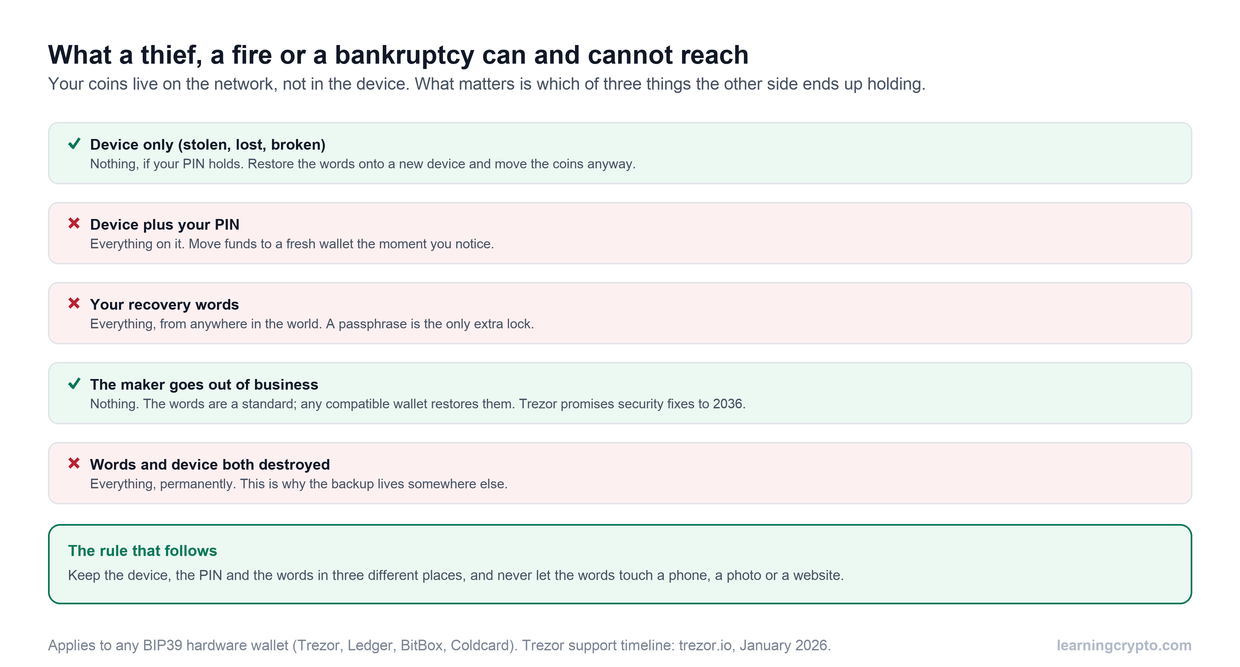
- Back up the hardware wallet's recovery phrase on paper; it restores your coldkey if the device is lost or damaged.
Frequently Asked Questions
Are Bittensor wallets free?
Yes, downloading and installing Trust Wallet is free. However, transactions such as buying or transferring Bittensor may incur network fees.
What is the risk of losing my recovery phrase?
Losing your recovery phrase for a crypto wallet can have severe consequences12.
Here's a breakdown of the risks:
Permanent Loss of Access: Without your recovery phrase, you will be permanently locked out of your wallet and lose access to all the crypto assets stored within it.
Irreversible Loss: Cryptocurrency transactions are irreversible. If you lose your recovery phrase, there is no way to recover your wallet, no matter what happens to your device.
Theft: Anyone who gains access to your recovery phrase can easily clone your private keys onto a new device and spend your funds.
What is a Coldkey and what is it used for?
A coldkey is for secure storage of TAO and high-security operations like transferring TAO and creating subnets. It is always encrypted. Think of it as a secure key to a safe
What is the Bittensor wallet address format?
Bittensor uses SS58 addresses, the same format as other Substrate-based chains, and TAO addresses start with the number 5. An address is a long string of letters and numbers and is case-sensitive. Always copy it exactly and check the first and last few characters before sending. The address is derived from your coldkey, so anyone can send TAO to it without seeing your keys.
What are the best wallets for Bittensor (TAO) in 2026?
For most users, the official Bittensor Wallet browser extension is the simplest place to start: it creates your coldkey and hotkey and lets you send, receive and stake TAO. Developers, miners and validators use the btcli command-line tool. For larger holdings, keep the coldkey on a Ledger hardware wallet used with a compatible wallet app. Trezor does not support TAO as of 2026.
Is there a TAO wallet extension?
Yes. The Bittensor Wallet Extension adds a TAO wallet to your browser so you can store, send and receive TAO and connect to decentralized apps without logging in each time. Install it only from the official Bittensor site or your browser's official store, write down the mnemonic it generates, and set a strong password. It is convenient, but it is a hot wallet; use a hardware wallet for long-term storage.
Can I store Bittensor on a Trezor?
Not natively. As of 2026, Trezor Suite does not support TAO, so a Trezor will not secure your Bittensor coldkey. Ledger is the hardware wallet with a Bittensor app, used together with a compatible third-party wallet. Support lists change, so check trezor.io/coins and Ledger's supported assets page before buying a device specifically for TAO.
Keep learning
- Crypto Wallet For Beginners: Types, Factors, How to Setup
- Staking vs Mining: What’s the Difference, and Which Is Better for You?
- How to Send Bitcoin to Another Wallet: A Step-by-Step Guide
- More guides in the Bitcoin hub
- Members: Satoshi Indicator, a daily Bitcoin DCA signal for members