
Information in this article is current as of February 2026. Hardware prices, mining profitability, and network conditions change frequently. Always verify with a profitability calculator before committing resources.
Five years ago, building a GPU mining rig was practically a license to print money. Ethereum was churning out rewards, graphics cards were worth their weight in gold, and everyone from college students to retirees had rigs humming away in spare bedrooms.
That era ended in September 2022 when Ethereum switched to Proof-of-Stake. GPU miners had to find new coins or new uses for their hardware. Some pivoted. Some sold everything. Some found better alternatives entirely.
If you're considering a mining rig today, the opportunity still exists, but it sits alongside GPU compute sharing for AI workloads and DePIN infrastructure rewards.
Understanding all your options, including when a traditional rig makes sense, is the difference between a worthwhile project and an expensive mistake.
What You'll Learn
→ GPU rigs vs ASICs and why versatility matters more than raw power for most beginners
→ Which coins you can actually mine with a GPU and what each one demands from your hardware
→ How mining stacks up against GPU compute sharing and DePIN projects that didn't exist a few years ago (staking vs mining is another common comparison)
→ The electricity rate that makes or breaks every mining operation, and how to calculate yours before spending a cent on hardware
→ A complete build guide from frame assembly to your first mined block, including the BIOS settings most tutorials forget
→ Optimization tricks like undervolting that cut your power bill by 20-30% without sacrificing hashrate
What Is a Cryptocurrency Mining Rig?

A mining rig is a custom-built computer optimized for one thing: solving cryptographic puzzles to validate blockchain transactions and earn cryptocurrency rewards.
Unlike a gaming PC, a mining rig doesn't care about aesthetics or fast load times. It prioritizes raw computational power, efficient cooling, and the ability to run nonstop. A typical setup mounts multiple graphics cards (GPUs) in an open-air frame with components chosen for durability over features.
GPU Rigs vs ASIC Miners
GPU rigs use multiple graphics cards that can mine various altcoins, retain resale value, and be repurposed for gaming or AI compute work. You can switch between coins as profitability shifts.
ASIC miners (Application-Specific Integrated Circuits) are single-purpose machines built for one algorithm. A Bitcoin ASIC mines Bitcoin and nothing else. They're 10-100x more efficient at their specific task, but they have zero versatility. When they become unprofitable, they're paperweights.
Post-Ethereum Mining
Ethereum was the undisputed GPU mining king until its September 2022 Merge to Proof-of-Stake. GPU miners scattered to other coins: Ravencoin, Ergo, Flux, and Ethereum Classic absorbed much of the hashrate.
Some coins that were once GPU-friendly, like Kaspa, have since been overtaken by ASICs, pushing GPU miners toward an even narrower set of options.
Bitcoin mining is strictly ASIC territory.
GPUs are mathematically incapable of competing with modern ASICs like the Antminer S21 Pro (234 TH/s).
Today's GPU miners carefully select coins using profitability calculators, often running mine-and-hold strategies where they bank on future price appreciation rather than immediate returns.
What Can You Mine with a GPU Rig?
The list of GPU-mineable coins has shrunk since Ethereum's departure, but several viable options remain.
Coin | Algorithm | Notes |
Ravencoin (RVN) | KawPoW | ASIC-resistant, requires 6+ GB VRAM. One of the most popular GPU-mined coins. |
Ergo (ERG) | Autolykos v2 | Memory-intensive, ASIC-resistant by design. Works well on high-bandwidth cards. |
Flux (FLUX) | ZelHash | Requires 8+ GB VRAM. Rewards memory bandwidth. |
Ethereum Classic (ETC) | Etchash | Modified Ethash. Viable with efficient cards, but growing DAG size is pushing out lower-VRAM GPUs. |
Zcash (ZEC) | Equihash | ASICs now dominate, but GPUs can still contribute via pools. |
Vertcoin (VTC) | Verthash | Built specifically for GPU mining. Smaller market cap but strong decentralization focus. |
Most experienced miners use WhatToMine or Minerstat to compare real-time returns and switch accordingly.
Some run profit-switching software that automatically targets whichever coin is most profitable at any given moment.
Why People Still Build Mining Rigs
Hands-on blockchain participation means you get to learn how mining pools work, how wallets function, and how difficulty adjustments shape the network. If you're new to crypto mining, building a rig is one of the most direct ways to understand how blockchains actually operate.
GPU versatility is the real draw. If mining profitability drops, your cards can pivot to AI compute sharing, gaming, or other usage.
There's also the long-game angle: mine a coin at $0.05, and it trades at $5.00 later, and you've done extremely well even if mining barely broke even on electricity.
Earnings Potential: Mining Rigs vs Alternatives
Building a mining rig now competes with simpler methods that weren't viable a few years ago.
Traditional GPU mining demands high effort (research, assembly, maintenance) and meaningful upfront hardware investment. Even a high-end RTX 4090 earns roughly $1-3 per day after electricity on coins like Ravencoin. Margins are thin. Best for tech enthusiasts who want hands-on control.
GPU compute sharing through platforms like Salad and Vast.ai lets you rent GPU power to AI workloads. Low effort and high-end cards can earn more than they would mining. You're paid in dollars or credits, not crypto.
DePIN projects like Hivemapper (dashcam mapping), Helium (wireless hotspots), and Render Network (GPU rendering) pay crypto for contributing real-world infrastructure. Low to moderate effort, but requires specific hardware and location.
Mobile mining apps (Pi Network, Bee Network) offer minimal to zero real earnings. Treat them as curiosity, not strategy.
Method | Technical Difficulty | Upfront Investment | Ongoing Effort | Hardware Versatility |
GPU Mining Rig | High | High | High | High |
GPU Compute Sharing | Low | Low (existing GPU) | Low | High |
DePIN Projects | Low-Moderate | Moderate | Low | Limited |
ASIC Mining | Low (plug-and-play) | High | Low | None |
When Does Building a Mining Rig Make Sense?
You Have Cheap Electricity
Electricity cost is the single biggest factor. You generally need rates below $0.10/kWh to stay profitable. Miners at $0.05-0.08/kWh see the healthiest margins. At $0.15/kWh or above, most GPU mining runs at a loss. Check your utility bill before you check GPU prices.
You Already Own Gaming GPUs
Repurposing existing hardware eliminates the biggest upfront expense. Mine during downtime, game when you want to.
You Value Hardware Versatility
GPUs hold resale value even when mining profitability drops. They pivot to AI compute sharing, gaming, video editing, and machine learning. Contrast that with ASICs, which have exactly one use.
You Want Hands-On Blockchain Involvement
Mining teaches you how proof-of-work networks operate, how pools distribute rewards, and how difficulty adjustments shape coin economies. It's a technical hobby with modest income potential.
When NOT to Build a Mining Rig
Your electricity rate is above $0.12/kWh
You're expecting quick returns
You have no interest in troubleshooting hardware and software
Your budget would be better spent buying crypto directly
You live in an apartment where noise and heat are a problem
Essential Components: What You Need to Build a Mining Rig
Graphics Cards (GPUs)
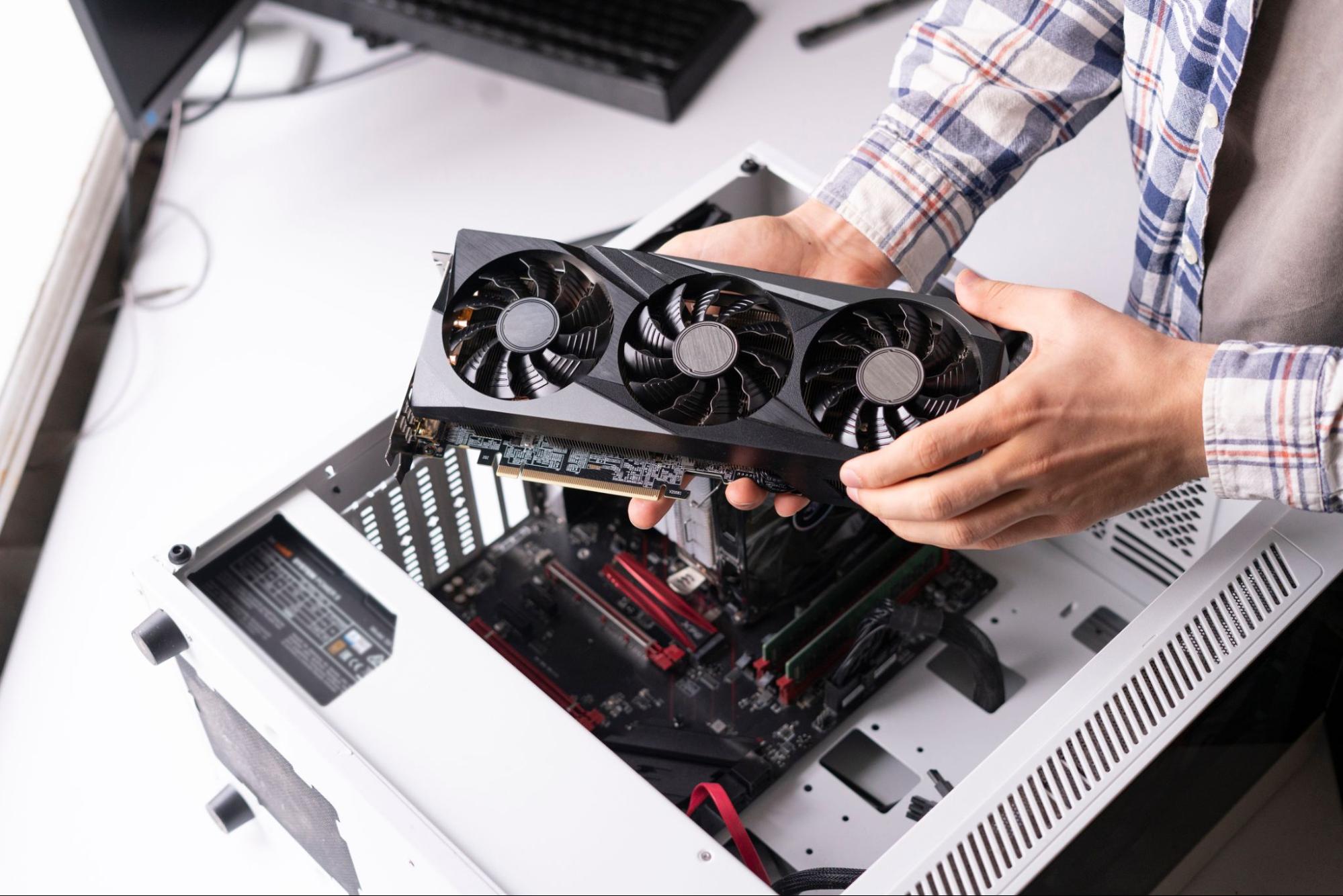
Your card selection determines profitability, power draw, and which coins you can mine.
Current-gen picks: The NVIDIA RTX 4090 delivers the highest consumer hashrate, while the RTX 4070 offers better efficiency-to-cost. AMD's RX 7900 XTX competes well on certain algorithms at a lower price. The RTX 5090 has launched, but its high price and power draw make mining ROI unfavorable.
Previous-gen (used market): RTX 3070 Ti, 3080, and RX 6800 XT remain popular budget choices for Ravencoin and Ergo.
Start with 4-6 GPUs as a beginner. Use profitability calculators (WhatToMine, Minerstat) with your actual electricity rate before purchasing.
Motherboard, CPU, RAM, and Storage
You need a motherboard with 6-8+ PCIe slots from mining-focused lines like ASUS Prime, ASRock BTC Pro, or MSI Pro Series. Standard gaming boards have 2-3 slots, which isn't enough.
CPU: Any budget processor works. An Intel Celeron or AMD Ryzen 3 is sufficient. (Exception: a Ryzen with a large L3 cache lets you simultaneously mine Monero on the CPU while GPUs mine a different coin.)
RAM: 8GB DDR4 minimum. Storage: 120-240GB SSD. Neither component affects mining performance, so save your budget for GPUs and the PSU.
Power Supply (PSU)
Do not cut corners here. Underpowered PSUs cause crashes, hardware damage, and fire risk.
Add up each GPU's maximum power draw (check manufacturer specs)
Add 100W for system overhead
Add a 20% safety margin
Example: 6 GPUs at 250W = 1500W + 100W + 300W = 1900W minimum
Buy 80 Plus Gold or Platinum certified units with enough PCIe 6+2 pin connectors (typically two per GPU). For 6+ GPU rigs, dual PSU setups are common.
Frame, Risers, and Cooling
Open-air frames are standard because mining rigs generate serious heat. Commercial metal frames (Veddha, Kingwin) are durable and stackable. Space GPUs at least 3-4 inches apart.
PCIe riser cables (USB 3.0 type) connect GPUs to motherboard slots while allowing physical separation for airflow. Buy one per GPU. Safety warning: Never connect more than two SATA-powered risers to a single SATA power cable. This causes fire risk. Use PCIe 6-pin powered risers when possible.
Cooling: Position 120-140mm fans to push air through the GPU array. You'll also want an Ethernet cable (wired beats WiFi for 24/7 stability), a Kill-A-Watt meter for measuring actual power draw, and a smart plug for remote power cycling.
ASIC Miners: The Alternative to GPU Rigs
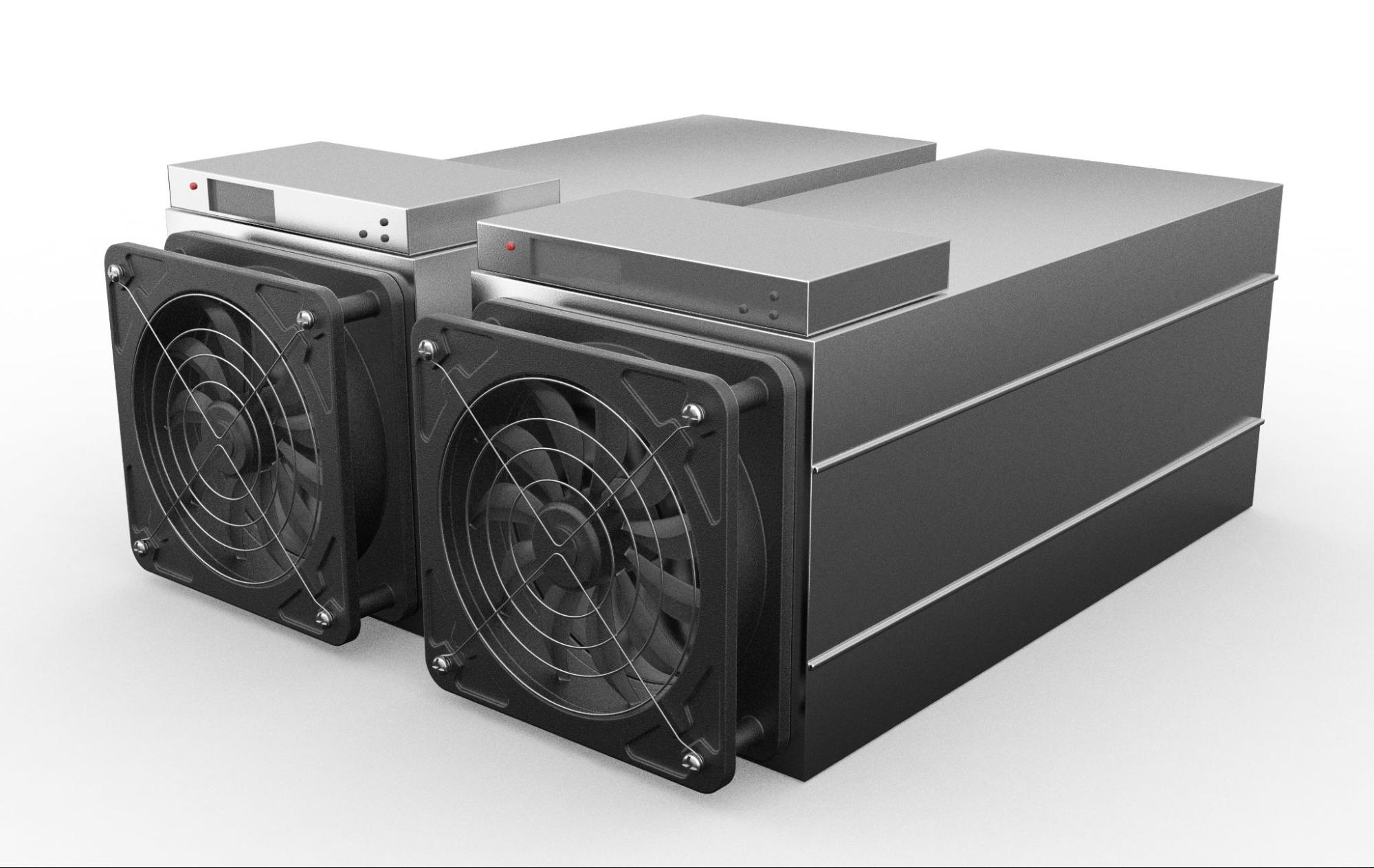
Factor | GPU Rig | ASIC Miner |
Versatility | Mine multiple coins, repurpose for gaming/AI | Single algorithm only |
Assembly | Requires building | Plug-and-play |
Efficiency | Good | 10-100x better for its specific coin |
Resale Value | Strong (gamers buy used GPUs) | Drops fast as newer models are released |
Noise | Moderate to loud | Very loud (75+ dB) |
Lifespan | 5+ years if maintained | 2-3 years before obsolescence |
Current examples: Bitcoin runs on the Antminer S21 Pro (234 TH/s) and S21 XP (270 TH/s). Kaspa moved to ASICs like the Antminer KS7 (40 TH/s). Litecoin and Dogecoin share the Scrypt algorithm and mine on the Antminer L7.
Manufacturers constantly release more powerful models, and each new generation pushes older hardware toward obsolescence. This arms race is why most beginners choose GPU rigs: if mining stops working out, you sell the cards or pivot.
Step-by-Step: Building Your Mining Rig
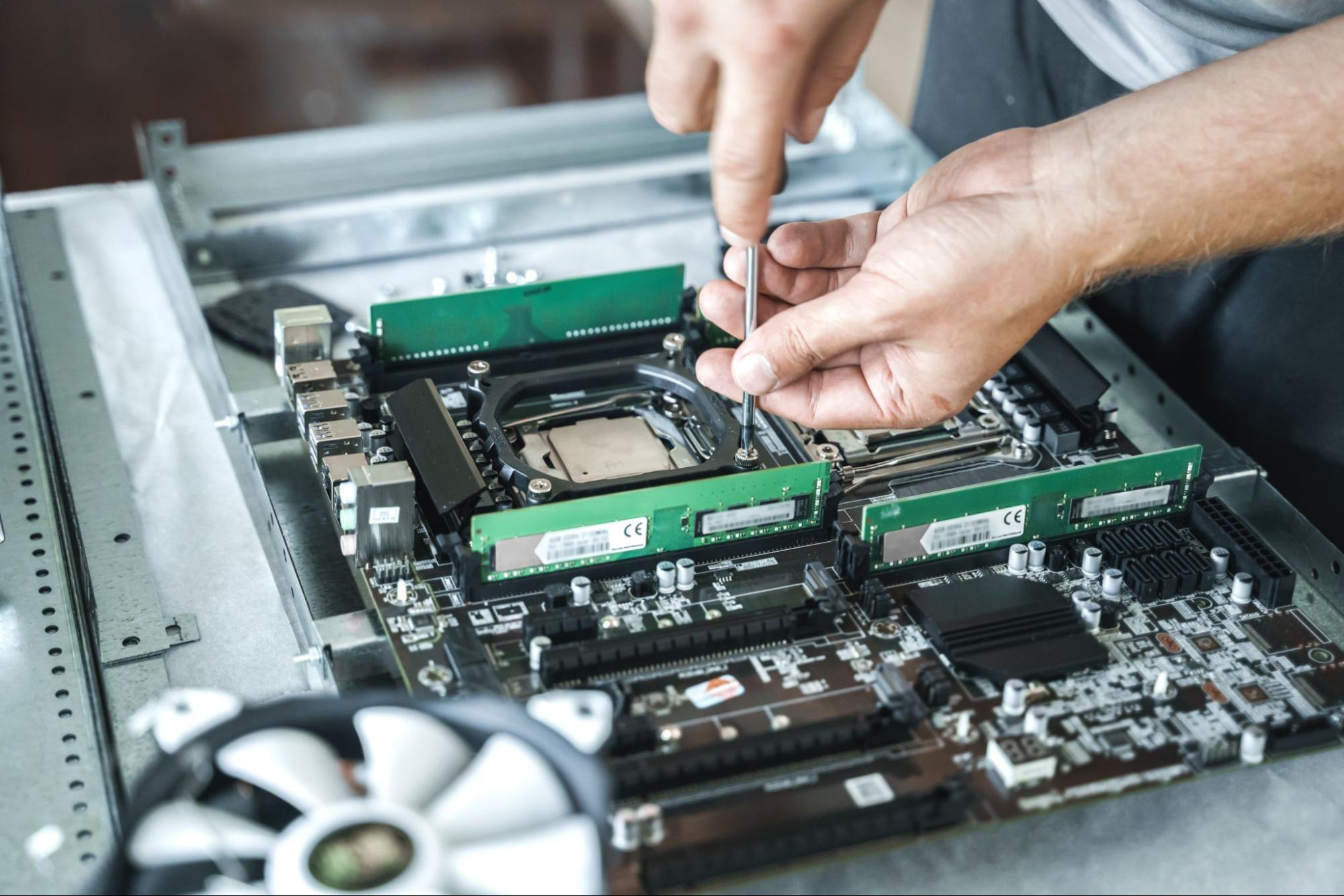
If you've assembled a PC before, you already have most of the skills. You'll need a Phillips head screwdriver, good lighting, and a static-free workspace.
Assemble the frame. Position it in its final location before loading GPUs, as moving a loaded frame risks damaging cards.
Mount the motherboard using standoffs. Ensure no bare metal contact that could cause shorts.
Install CPU, RAM, and SSD. Align CPU triangle markers, apply thermal paste, and attach the stock cooler. Insert the RAM and connect the SSD.
Plug in PCIe risers to the motherboard slots. Position where GPUs will be mounted.
Mount GPUs to the frame with 3-4 inch spacing. Connect each to its riser.
Wire the power supply. Connect 24-pin ATX and 8-pin CPU power to the motherboard, PCIe 6+2 pin cables to each GPU, and power to risers. Use cable ties throughout.
Connect monitor (to motherboard output, not GPU), keyboard, mouse, and Ethernet. Power on.
Configure BIOS. Enable "Above 4G Decoding," set PCIe to Gen2, disable onboard audio, and enable auto-restart after power loss.
Install OS and drivers. Windows 10/11 or mining Linux (HiveOS, RaveOS). Install the latest GPU drivers. Verify that all GPUs appear.
Set up mining software. Choose a pool (2Miners, Nanopool, F2Pool), download mining software (T-Rex, lolMiner, GMiner, TeamRedMiner), and configure with the pool address and your wallet address. Start mining and confirm all GPUs are hashing.
Troubleshooting First Boot
Problem | Likely Cause | Fix |
GPUs not detected | Riser power or seating | Reseat connections, verify riser has power |
Won't POST | Missing power cable | Check the 24-pin and 8-pin CPU power |
Restart loop | BIOS misconfiguration | Disable CSM, check RAM seating |
Software crashes | Driver issue | Update GPU drivers, adjust power limits |
Optimizing Your Crypto Mining Rig
Undervolting and Overclocking
Undervolting cuts GPU power draw by 20-30% with minimal hashrate loss. Use MSI Afterburner (Windows) or HiveOS built-in tools. Memory overclocking helps on many algorithms. Increase gradually, test stability, and watch for invalid shares.
Temperature and Maintenance
Keep GPUs under 70°C. Check VRAM temps with HWiNFO64, especially on NVIDIA cards. Clean dust monthly. Reapply thermal paste every 1-2 years for hot-running cards. Use monitoring software (HiveOS dashboard, Minerstat) with alerts for offline rigs or hashrate drops.
Pool Selection and Profitability
Choose pools with servers near you (less latency, fewer stale shares). Fees run 1-2%. Larger pools pay more consistently in smaller amounts; smaller pools pay less often but more per payout.
Track profitability with mining calculators using your actual measured hashrate and power consumption. Check what's most profitable to mine regularly and be ready to switch coins. Many miners hold rather than sell immediately, betting on future price appreciation.
Common Challenges
Crashing or restarting: Usually unstable overclock settings, insufficient PSU wattage, or riser issues. Reset GPU settings to stock first.
Low hashrate: Likely thermal throttling or incorrect algorithm settings. Improve cooling and verify your mining software configuration.
High rejection rate: Reduce memory overclock or switch to a closer pool server.
Heat and noise: A six-GPU rig pushes 1500W+ of continuous thermal output. Run rigs in basements, garages, or ventilated enclosures away from living spaces.
Profitability drops below electricity costs: Normal during bear markets. Switch coins, try GPU compute sharing, hold mined coins, or shut down until conditions improve.
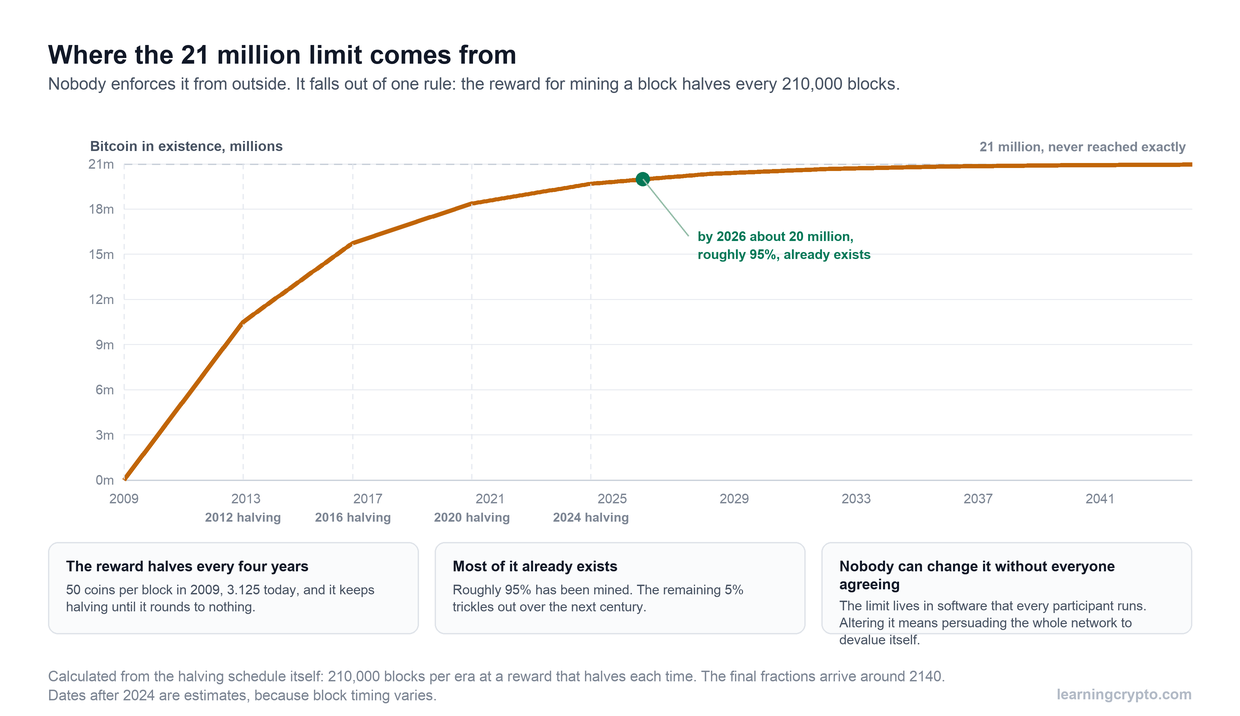
Read our article on what happens when all the Bitcoin is mined to help explain why mining economics shift over time.
Is Building a Mining Rig Worth It?
Mining rigs make sense when conditions align: affordable electricity, realistic expectations, and genuine interest in the technology.
Don't build a rig expecting to quit your job. Build one because you find the mechanics fascinating, you want to learn how mining works from the inside, and modest supplemental crypto appeals to you. If those conditions don't fit, GPU compute sharing or direct crypto purchases are simpler paths to the same goal.
Ready to take the next step?
Learning Crypto combines AI-powered on-chain analytics with education built by people who've lived through multiple market cycles. Track what smart money is doing, verify data yourself, and build crypto knowledge that holds up when markets move.
FAQs
Is mining still profitable?
It can be, but margins are thin. At electricity rates below $0.08-0.10/kWh, efficient GPUs mining coins like Ravencoin can turn a modest profit. Above that, most operations break even or lose money. Always run the numbers with WhatToMine using your actual hardware and power rate.
Can I use my gaming PC as a mining rig?
Yes. If your gaming PC has a recent NVIDIA or AMD GPU, you can mine during idle hours. It's a low-risk way to test profitability before committing to a multi-GPU rig.
What's better: building a rig or buying crypto directly?
For most people, buying directly and dollar cost averaging is simpler and often more cost-effective. Mining makes sense when you have cheap electricity, want hands-on experience, or plan to hold mined coins long-term.
Do I need to report mining income on my taxes?
In most jurisdictions, yes. Mined cryptocurrency is generally treated as taxable income at fair market value when received. Consult a tax professional familiar with crypto in your area.
Should I buy a pre-built mining rig or build my own?
Building your own is almost always cheaper and gives you full control over component quality. Pre-built rigs carry markup and often use lower-quality PSUs or risers to cut costs. The assembly process is also part of the learning curve, and you'll need that knowledge when something inevitably needs troubleshooting.
Can I mine Bitcoin with a GPU?
Technically yes, but you'd earn fractions of a penny per year. Bitcoin mining requires ASIC hardware costing thousands of dollars, running at 200+ TH/s. The best consumer GPU manages a tiny fraction of that. If Bitcoin interests you, buying it directly or contributing to a hashrate marketplace like NiceHash (which pays you in BTC for GPU work on other algorithms) are more realistic options.
Useful Resources
WhatToMine – Profitability calculator that compares real-time returns across GPU-mineable coins using your hardware specs and electricity rate.
Minerstat – GPU benchmarking, profitability tracking, and mining management platform. Updated hourly.
HiveOS – Mining-specific Linux OS with a web dashboard for remote rig monitoring and GPU tuning.
MSI Afterburner – Free GPU overclocking and undervolting tool for Windows. Standard for mining optimization.
2Miners – Mining pool supporting multiple coins with detailed per-worker stats.
Salad – GPU compute sharing platform that pays you to rent idle GPU power to AI workloads.
Hivemapper – DePIN project that pays crypto rewards for contributing dashcam street-level mapping data.
Helium– Decentralized wireless network that rewards hotspot hosts with HNT tokens.
Keep learning
- What Is a Crypto Bull Run and When Is the Next One Coming?
- Amir Taaki: Bitcoin Pioneer and Privacy Prophet
- Is Coinbase Safe for Beginners? The Ultimate Guide
- More guides in the Bitcoin hub
- Members: Satoshi Indicator, a daily Bitcoin DCA signal for members